What are FPS? A lot of times, when we are talking about the performance of our games and consoles, we end up falling into mentioning FPS as if it were something everybody knows. What if frame drops, what if 30 or 60 FPS… in the end, it is a concept that is on everyone’s lips. But what does it mean? Today we are going to see what FPS is and why it is a concept that you should take into account.
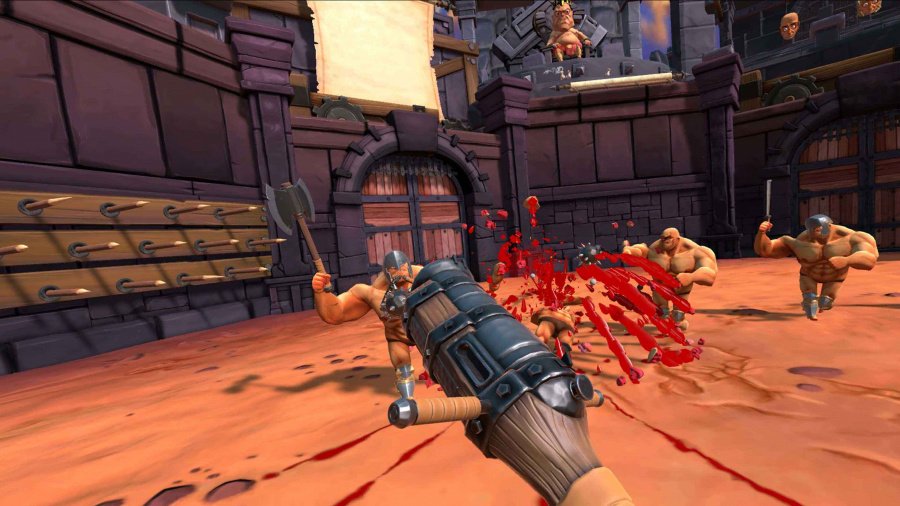
Before we start, that yes, it is very important to keep in mind that, in fact, there is also. the FPS genre in video games: these would be the first person shooters (or First Person Shooters), such as Counter-Strike and Doom, but today we are not going to talk about it. This article wants to clear your doubts about the technical concept of FPS.
What are FPS?
Strictly speaking FPS is a set of acronyms that stands for “Frames Per Second”, or, translated into English, images or frames per second. This refers to the number of frames (static images that, in succession, create movement) that are being taught. So, if something runs at 30 FPS, it means that, for one second, you see 30 images one after the other. But, of course, once you know this, you have to go deeper to find out why this is important.
In film, it’s normal to have a frame rate of 24 frames per second, as that’s what’s considered standard within the industry, but things vary wildly within video games. 30 FPS is considered the minimum acceptable to play, because after that the action becomes unresponsive and difficult to follow. Nowadays, talking about 60 FPS is synonymous with fluidity, but also with good performance. Many companies talk about their consoles or computers being able to reach 60 FPS in different resolutions to prove that they have what it takes to give a good experience.
Source: Animotica.com
Beyond 60 FPS
Mind you, there are benefits to going beyond 60 FPS. Higher frames per second will make the movements on screen more fluid, making the action more satisfying. Besides that, this stability can make the difference between winning and losing in a competitive environment, although it is important to emphasize that, if you don’t measure up as a player, even the best equipment won’t save you from losing.
Mind you, many phones today boast 90 and 120 FPS displays, and you may have seen people talk about reaching 144 FPS on their high-end gaming monitors. But what do the displays have to do with it, and isn’t it all about the devices?

Source: Cisco News
The relationship between monitors and FPS
Well, it turns out that, typically, all monitors and TVs are going to be able to show you at least up to 60 FPS, and this is something that can be measured by hertz (Hz) that the device has. 60Hz makes us perceive those 60 FPS, 90Hz raises the amount to 90 FPS, and so on. This is why many expensive gaming monitors always talk about their hertz: if you have a monster computer, using a 60Hz monitor will make you not be able to benefit from achieving 90, 120, 144 or more frames per second. Yes, your graphics card may be running the game at 144 FPS, but your monitor will only show you 60.

How can I measure FPS?
Measuring your SPF can give you a clue as to whether your device has the necessary capacity to run a game at its most optimal performance. On consoles, it is usually not possible to do this kind of measurements unless you buy specialized equipment for it, such as high-end capture devices or even developer consoleswhich the average user should not be able to access.
Those who enjoy PC gaming more have the tools to measure FPS very much at their fingertips. For starters, some video games have their own built-in frame counter, as is the case with Cyberpunk 2077. Also, Steam also has a counter of frames in its in-game interface. On the other hand, if what you want is to measure the FPS of a game that does not have its own meter and is not on Steam, you will have to resort to programs for it. GeForce Experience if you have an Nvidia graphics card, or Radeon Overlay if your GPU is AMD. If by any chance these programs don’t work for you, I personally recommend using Rivatuner, which is built into MSI Afterburner (which works regardless of whether you have an MSI graphics card or not).